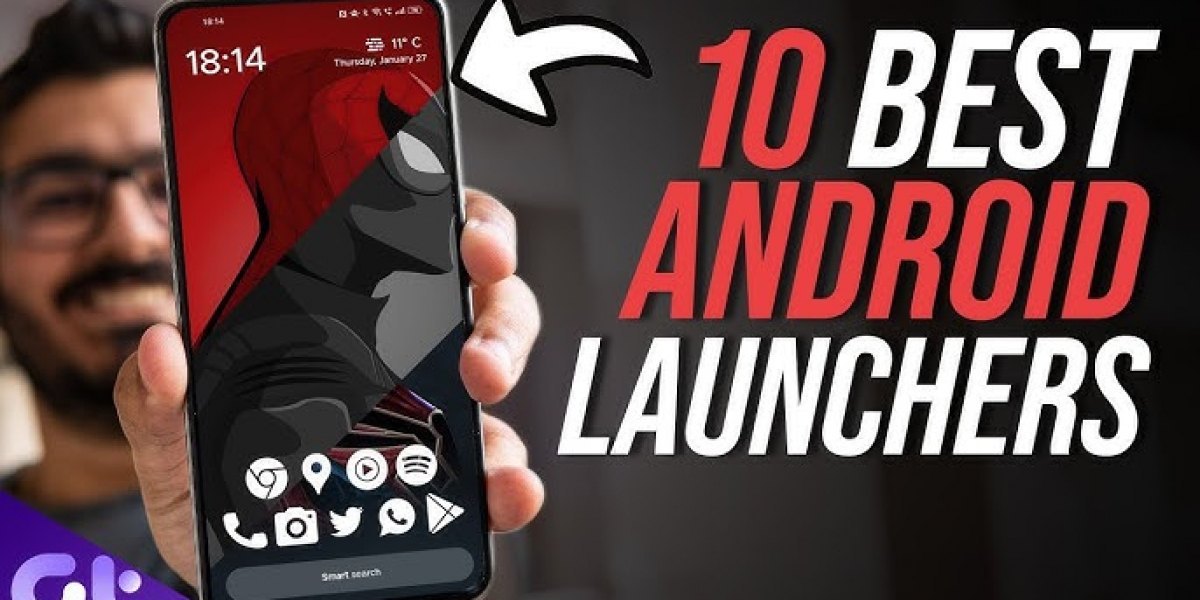
Android users are always on the lookout for ways to personalize and improve the functionality of their smartphones. One of the most effective ways to do this is by using a third-party Android launcher. These apps can completely transform your device's interface, offering a range of customization options, unique features, and performance enhancements that go beyond the default launcher.
With so many options available, it can be difficult to choose the best one. This guide will cover the 10 best Android launchers of 2024, highlighting their key features, benefits, and potential drawbacks to help you find the ideal one for your needs.
Overview: Nova Launcher is often considered the best all-around Android launcher due to its exceptional flexibility, customization options, and smooth performance. Whether you're looking to change the home screen layout, icon pack, or gestures, Nova gives you complete control over every aspect of your device's user interface.
Key Features:
Pros:
Cons:
Best For: Users who enjoy customizing their home screen and want a feature-rich, user-friendly launcher.
Overview: Niagara Launcher is a minimalist launcher designed for those who prefer a clutter-free experience. It features a unique vertical scrolling app drawer that makes one-handed use more accessible, with a simple and clean design that prioritizes ease of use.
Key Features:
Pros:
Cons:
Best For: Users who prefer a minimalist, distraction-free user interface and need an efficient way to access their apps.
Overview: Microsoft Launcher is perfect for users who are heavily invested in the Microsoft ecosystem. It integrates seamlessly with Microsoft services like Outlook, OneDrive, and Microsoft Office, providing a consistent experience across devices.
Key Features:
Pros:
Cons:
Best For: Users who are invested in the Microsoft ecosystem and want a launcher that integrates seamlessly with their workflow.
Overview: Square Home Launcher stands out with its interface that mimics the look and feel of Windows 10, offering a tiled design that's great for users who want a familiar, simple layout.
Key Features:
Pros:
Cons:
Best For: Users who prefer a Windows-like interface and simple navigation without too much customization.
Overview: Action Launcher offers a Pixel-like experience with added customization options. If you love the stock Android experience but want more flexibility, this launcher is perfect for you.
Key Features:
Pros:
Cons:
Best For: Users who love the Google Pixel experience but want additional customization features.
Overview: Smart Launcher 6 is designed for users who want a smart, intuitive, and visually appealing experience. It organizes apps intelligently and offers easy access to frequently used tools.
Key Features:
Pros:
Cons:
Best For: Users who prefer smart, intuitive design and want a launcher that organizes apps automatically.
Overview: Apex Launcher is known for its strong customization features, offering advanced control over your device’s home screen layout, icon size, and transitions. It’s a great option for users who want a responsive and highly customizable launcher.
Key Features:
Pros:
Cons:
Best For: Power users who want deep customization and flexibility.
Overview: Lynx Launcher is all about simplicity and efficiency. With a focus on quick access to frequently used apps, this launcher is perfect for those who value a clean layout and fast navigation.
Key Features:
Pros:
Cons:
Best For: Users who prefer simplicity and speed over excessive customization.
Overview: Evie Launcher is a fast, lightweight launcher with a focus on simplicity and efficiency. It offers features like smart search and quick access to apps without the clutter.
Key Features:
Pros:
Cons:
Best For: Users who want a fast and responsive launcher with a simple, clean interface.
Overview: Lawnchair Launcher is designed to provide a stock Android experience with additional features. It’s great for users who want the Pixel Launcher experience but with more customization options.
Key Features:
Pros:
Cons:
Best For: Users who want a stock Android experience with some added customization options.
Choosing the right Android launcher depends on your personal preferences and what features are most important to you. If you want the highest level of customization, Nova Launcher is the top pick, offering vast control over the look and feel of your device. For those who prefer a minimalist, one-handed experience, Niagara Launcher is the way to go.
Other great options like Microsoft Launcher, Smart Launcher 6, and Action Launcher cater to different user needs, whether you're looking for productivity integration, intuitive app grouping, or a Pixel-like interface.
No matter which launcher you choose, each of these options can help you improve your Android experience, offering unique features that enhance usability and personalization.

Marcelle Doyle Graciela Borer
1 posts
-
 Best NGO in Himachal Pradesh: SSW Foundation's Journey of Impact and Change
Best NGO in Himachal Pradesh: SSW Foundation's Journey of Impact and Change
-
 Reinigungsanleitung für Torsopuppen: Häufige Fehler und die richtige Anwendung von Feuchttüchern
Für alle, die sich zum ersten Mal mit Torsopuppen beschäftigen, ist die Reinigung zweifellos einer der schwierigsten Aspekte. Viele fragen sich: „Kann ich Torsopuppen direkt mit Feuchttüchern abwischen?“ Diese scheinbar einfache Frage erfordert tatsächlich einiges an Überlegung.
-
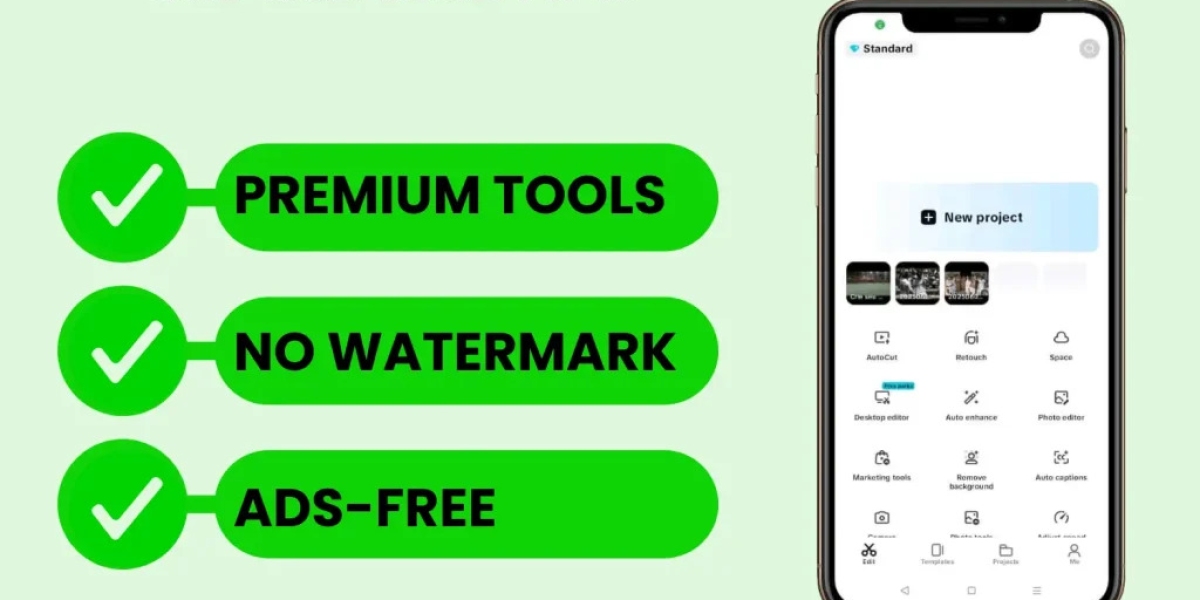 Unleash Your Inner Creator: CapCut Makes Editing Magical
Designed with intuitiveness and power in mind, CapCut empowers everyone from social media enthusiasts to budding filmmakers to transform everyday clips into extraordinary visual stories.
-
 Moving Made Easy: How Enmore Removalists Simplify Relocation in Sydney’s Inner West
Discover how Enmore Removalists simplify moving in Sydney’s Inner West. Learn about expert care, sustainability, and local experience for smooth, worry-free relocations.
-
 GE Freezer Door Seal Not Sealing? Fix Leaking Cold Air and Ice Buildup
GE freezer door seal leaking cold air? Learn why bottom corners fail, DIY fixes to try, and when to call for professional gasket replacement.
-
 Healthcare Professional Licensing in Dubai: A Comprehensive Guide
Healthcare Professional Licensing in Dubai: A Comprehensive Guide
-
 Dishwasher Pod Not Dissolving? Why Your Cascade Pods Get Stuck Between Racks
Dishwasher Pod Not Dissolving? Why Your Cascade Pods Get Stuck Between Racks
-
 Save Money with Ibotta: Get Cash Back on Everyday Purchases + Bonus with Referral Code UGCGUVK
Get cash back with the free Ibotta app at 100's of stores
-
 House Extensions: Maximising Your Space with Smart Design and Lasting Value
Discover how to expand your Brisbane home with smart, sustainable house extensions. Learn design, cost, and planning tips from Waddell Projects—trusted experts in creating space and value.
-
 Restaurants to Get Sophisticated plus Economical Replica Luxury Bags
Nonetheless by using lots of internet traders to choose from, a significant concern remains to be.
-
 Top Feature Wall Tile Ideas to Elevate Any Room
Interior design trends come and go, but one feature that never loses its appeal is the feature wall tile.


