In the modern digital landscape, where visual content reigns supreme, the ability to manage and manipulate image files is a fundamental skill. We capture moments with our smartphones, download graphics for projects, and receive photos from colleagues, often in a bewildering array of file formats. This is where the concept of image conversion becomes essential. An online image converter acts as a digital darkroom, providing a swift and accessible solution for transforming a picture from one format to another without the need for complex, installed software. These tools empower users to ensure compatibility, reduce file sizes for faster web loading, and maintain quality across different platforms and applications, making them an indispensable asset for professionals and casual users alike.
Before utilizing a conversion tool, it is helpful to understand the common image formats and their purposes. The JPEG format is the workhorse of digital photography, utilizing lossy compression to create relatively small file sizes, making it ideal for web use and sharing. PNG is its lossless counterpart, famous for supporting transparency, which is crucial for logos and graphics requiring a clean overlay on various backgrounds. GIF, though limited in color, supports simple animations. For professional photography and printing, TIFF files offer high quality with lossless compression, while RAW files contain unprocessed data directly from a camera's sensor, providing maximum editing flexibility. Each format serves a distinct role, and converting between them allows you to tailor the image to its specific application
An online image converter operates through a straightforward, user-friendly process. The journey typically begins on a website where the user is prompted to upload their source image. This can often be done via a simple drag-and-drop interface or a traditional file browser. Once the file is uploaded, the user selects their desired output format from a dropdown menu, choosing from options like JPG, PNG, GIF, WEBP, and more. Many advanced tools offer additional settings, allowing for adjustments to image quality, resolution, or even resizing before the conversion is initiated. With a click of a button, the tool's servers process the file, performing the complex computational task of reformatting the pixel data, and finally present the user with a download link for their newly converted image.
The reasons for converting an image are numerous and span both professional and personal use cases. A web developer may need to convert a large TIFF file from a designer into a optimized WEBP format to ensure a website loads quickly, directly impacting user experience and search engine rankings. A student creating a presentation might need to convert a screenshot from PNG to JPEG to meet a strict file size limit for an online submission. Furthermore, specific software and online platforms have preferred formats; converting an image ensures it displays correctly without errors or unexpected alterations. This process of standardization and optimization is critical for efficient digital workflow management.
The primary advantage of using an online image converter is its unparalleled accessibility. There is no need to purchase expensive software or go through a lengthy installation process. These tools are available from any device with a web browser and an internet connection, be it a computer, tablet, or smartphone. This cloud-based approach also means that the conversion processing power is handled by the tool's servers, preserving your local device's resources. For individuals and small businesses, this eliminates the financial and technical barriers associated with professional graphic software, democratizing access to essential image editing capabilities. The convenience of a quick, on-demand solution for a common task cannot be overstated.
When selecting a service for your conversion needs, several features distinguish a high-quality platform. A clean and intuitive user interface is paramount, ensuring that the process is simple even for non-technical users. Robust security is another critical consideration; a reputable service will automatically delete uploaded and converted files after a short period, protecting your privacy. Batch conversion capabilities are a significant time-saver, allowing multiple images to be processed simultaneously. Additionally, the ability to adjust output parameters, such as compression level for JPEGs or DPI for print-ready files, provides greater control over the final result, making the tool versatile for various requirements.
The process of using an online image converter is designed for maximum simplicity. First, navigate to your chosen converter website. Locate and click the upload button, often labeled "Choose File" or featuring a drag-and-drop zone, and select the image you wish to convert from your device's storage. Next, find the format selection menu and choose your target output format, such as converting a PNG to JPG. If available, you can adjust any advanced settings like quality or dimensions. Finally, click the "Convert," "Start," or "Download" button. The tool will process the file, and your browser will typically automatically download the converted image or provide a link to save it.
A common concern when using online tools is the quality of the output and the security of the uploaded files. Regarding quality, a good online image converter will perform the conversion with minimal loss of detail, especially when converting between lossless formats or to high-quality JPEGs. It is always advisable to check the downloaded file to ensure it meets your standards. For security, it is essential to use services from providers with clear privacy policies that state files are not stored permanently or used for any other purpose. Avoiding unknown or suspicious websites is crucial to prevent potential malware or data misuse. Sticking to well-known, reputable converters is the best practice for a safe and effective experience.
In conclusion, the ability to seamlessly convert image formats is a cornerstone of effective digital communication and content creation. Online image converters have filled this need perfectly, offering a powerful, convenient, and often free solution that is accessible to everyone. They bridge the gap between different devices, software, and platform requirements, ensuring that visual content can be used effectively wherever it is needed. By understanding the different formats, selecting a reliable tool, and following a simple process, anyone can master this essential digital skill, optimizing their images for the web, print, presentation, and beyond with just a few clicks.

Clarksophia Creator
27Blog posts
-
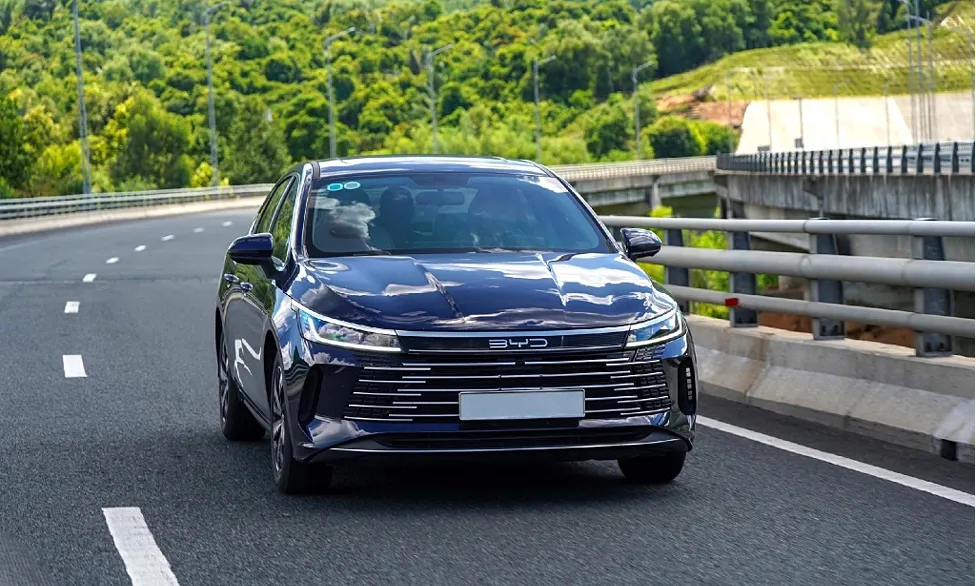 BYD Việt Nam: công nghệ DM-i Super Hybrid tương thích xăng E10
Các dòng xe ứng dụng công nghệ DM-i Super Hybrid tỉ số nén 15,5:1 được tối ưu vật liệu kháng ăn mòn, phù hợp nhiên liệu xăng E10, theo đại diện BYD Việt Nam.
-
 Ôtô cố nhập làn bị xe đi thẳng ủn cả trăm mét
Sau khi cãi nhau vì tranh chấp làn đường, tài xế của chiếc hatchback hùng hổ chặn đường đối thủ và bị đâm ngang rồi ủn đi.
-
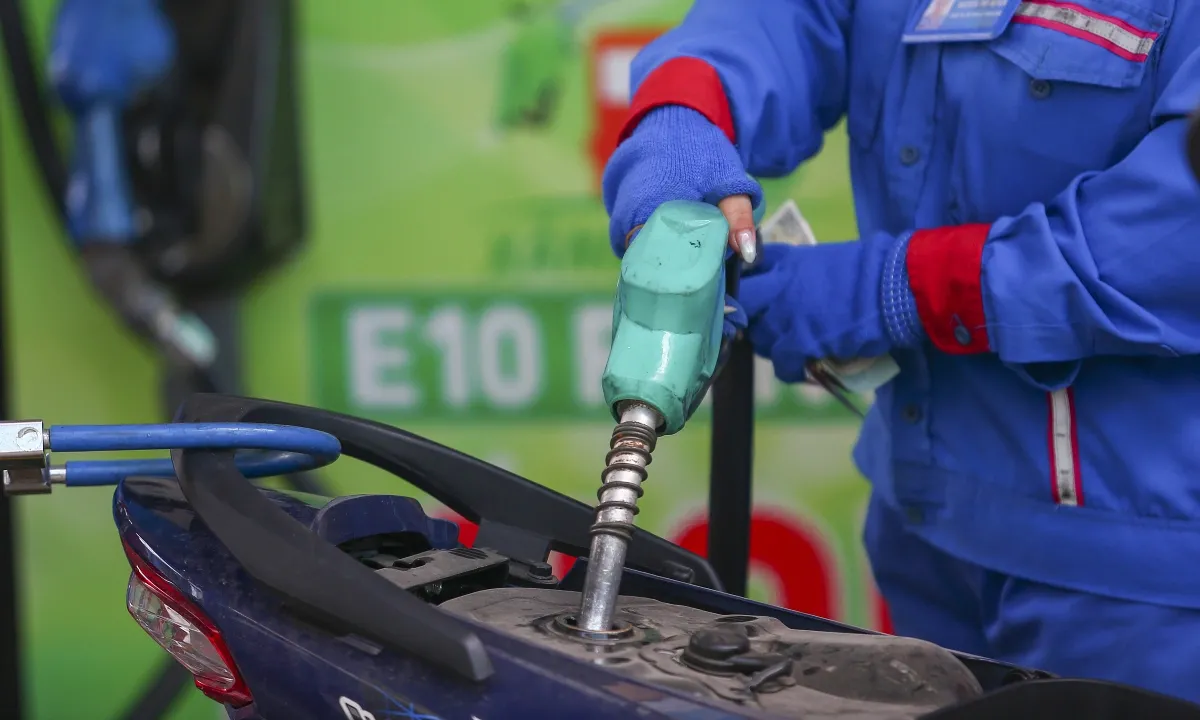 Cách lái xe tiết kiệm nhiên liệu khi chuyển sang xăng E10
Lái xe đều ga, bảo dưỡng hệ thống nhiên liệu và bảo quản xăng đúng cách giúp hạn chế mức tiêu hao khi dùng E10.
-
 Mazda hồi sinh màu xanh trên MX-5 Miata
Mazda bổ sung màu Zinc Green Metallic cho MX-5 Miata 2027, lần đầu đưa tùy chọn màu xanh trở lại dòng roadster này sau hơn một thập kỷ ra mắt.
-
 Ôtô chạy vào đường tàu điện trên cao vì đi theo GPS
Nữ tài xế lái chiếc Mazda màu đỏ chạy vào tận ga Mount Baker ở Seattle khiến tuyến tàu điện số 1 phải ngừng hoạt động.
-
 Em bé chập chững bước giữa đường toàn xe tải
Từ lề đường, em bé chạy ra giữa đường rồi chạy thẳng về phía đầu xe tải đang đi nhanh tới, hôm 2/6 tại quốc lộ 12B, Lạc Sơn.
-
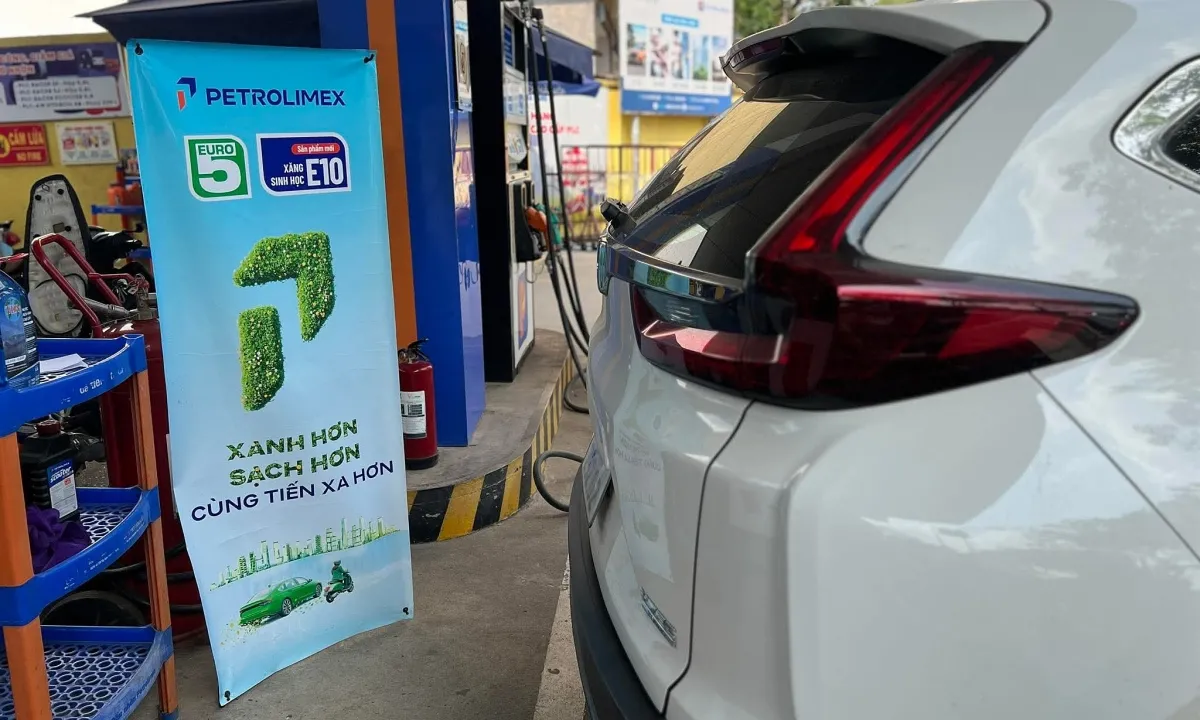 Danh sách ôtô, xe máy tương thích xăng E10 tại Việt Nam
Hầu hết xe máy, ôtô tại Việt Nam tương thích với xăng E10, chỉ một số ít xe cũ là không hỗ trợ loại xăng này.
-
 Công ty mẹ của TikTok hợp tác hãng Trung Quốc làm ôtô
ByteDance, công ty mẹ của Tiktok, và tập đoàn Seres chuẩn bị ra mắt thương hiệu ôtô mới dưới một công ty mới.
-
 CEO của Lotus chê xe thể thao nặng hơn 1,8 tấn là 'tầm thường'
Khi chê dòng xe thể thao hơn 1,8 tấn, dường như CEO của Lotus không nhớ ra rằng các mẫu xe năng lượng mới của hãng đều trên mức này.
-
 Xe thể thao biến dạng sau tai nạn, tài xế sống sót
Chiếc Chevrolet Corvette C8 trượt hàng trăm mét rồi lộn nhào khiến tài xế bị thương nặng.
-
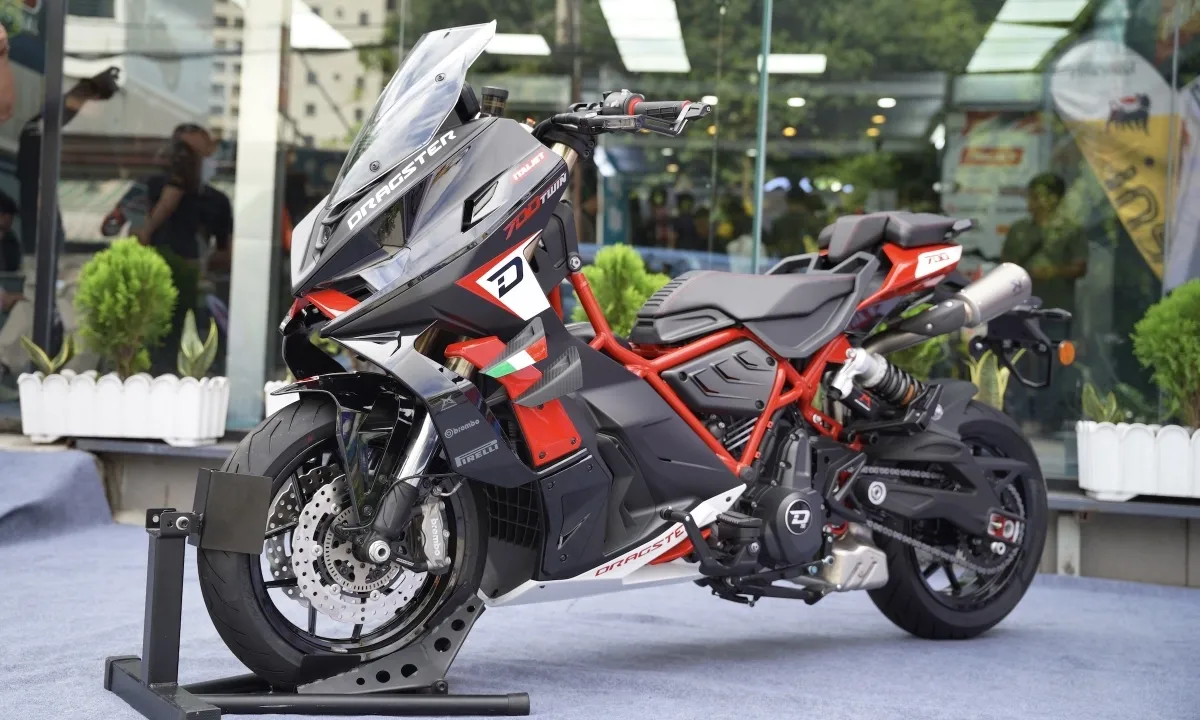 Italjet Dragster 700 - môtô lai scooter giá gần 430 triệu đồng
Mẫu xe máy thương hiệu Italy sở hữu ngoại hình của một mẫu xe ga gầm hố, thể thao, động cơ 700 phân khối với sức mạnh 69 mã lực.


