
If you've ever looked at the back of your computer or server equipment, you've probably noticed different types of power connectors. Among the most common are C14 and C15 cables. While they look similar at first glance, these two computer power cable types serve different purposes. Let's break down what makes them different and help you understand which one you need.
Understanding Computer Power Cables
Before we dive into the specifics, it's helpful to know that power cables come in many shapes and sizes. The C13, C14, C15, and C16 connectors are part of the IEC 60320 standard. This standard ensures that power cables work safely across different countries and equipment types.
When people talk about a computer power cable, they're usually referring to the cable that connects their desktop computer or monitor to a wall outlet. However, the world of power cables is much broader than that.
What is a C14 Cable?
The C14 connector is one of the most common types you'll find in offices and data centers. Here's what you need to know about it:
The C14 is actually an inlet, not a cable end. It's the female receptacle that you find on the back of computers, monitors, and other electronic equipment. When you plug a power cord into your computer, you're inserting a C13 connector (the male end) into a C14 inlet.
C14 inlets are designed to handle temperatures up to 70 degrees Celsius (158 degrees Fahrenheit). They typically support currents up to 10 or 15 amps, depending on the specific rating. This makes them perfect for standard office equipment that doesn't generate excessive heat.
You'll find C14 inlets on desktop computers, LCD monitors, printers, and countless other devices. They're the standard choice for most everyday electronics that need a reliable power connection.
What is a C15 Cable?
The C15 connector looks very similar to the C14, but it has one key difference that makes it special.
Like the C14, the C15 is an inlet found on equipment. The major difference is that C15 inlets are designed to handle higher temperatures. They can safely operate in environments up to 120 degrees Celsius (248 degrees Fahrenheit).
You can identify a C15 inlet by its notch. If you look closely at the connector, you'll see a small notch or key on one side. This notch prevents you from accidentally plugging a standard C13 cable into it, which could be dangerous in high-temperature situations.
The Key Differences Between C14 and C15
Now that we understand what each connector is, let's look at the main differences:
Temperature Rating: This is the biggest difference. C14 inlets handle temperatures up to 70°C, while C15 inlets can withstand temperatures up to 120°C. This matters when you're working with equipment that runs hot.
Physical Design: The C15 has a notch that the C14 doesn't have. This notch serves as a safety feature. It ensures that only the appropriate high-temperature cable (C16) can be plugged into a C15 inlet.
Applications: You'll find C14 inlets on standard computer power cable connections and regular office equipment. C15 inlets appear on high-temperature devices like electric kettles, server equipment, and some networking gear that generates significant heat.
Compatibility: A C16 connector (the high-temperature plug) can fit into both C14 and C15 inlets because it has the notch. However, a C13 connector (standard plug) can only fit into a C14 inlet. This one-way compatibility is a built-in safety feature.
When Should You Use Each Type?
Choosing between C14 and C15 connections depends on your equipment and environment.
Use C14 connections for standard computer power cable needs. This includes desktop computers, monitors, printers, and most office electronics. These devices don't generate enough heat to require the higher temperature rating of a C15.
Use C15 connections for equipment that runs hot or operates in high-temperature environments. This includes certain server equipment, networking gear in enclosed spaces, and industrial equipment. If your equipment came with a C15 inlet, the manufacturer determined that the higher temperature rating was necessary for safe operation.
Safety Considerations
Power cables aren't something to take lightly. Using the wrong type can create safety hazards.
Never try to force a connector that doesn't fit easily. If a C13 plug won't fit into an inlet, there's probably a good reason. The equipment might require a C16 high-temperature cable instead.
Always replace damaged cables immediately. A frayed or broken computer power cable can cause electrical shocks, fires, or damage to your equipment.
Check the amp rating on your cables. Make sure they can handle the power requirements of your device. Using an underrated cable can cause overheating and create fire hazards.
Common Misconceptions
Many people think all computer power cables are the same. This isn't true. While many look similar, the differences in temperature ratings and design serve important safety purposes.
Some believe that C15 cables are "better" than C14 cables and should be used everywhere. This isn't accurate. Using a C15/C16 setup when you only need C14/C13 isn't harmful, but it's often more expensive and unnecessary for standard equipment.
Choosing the Right Cable for Your Needs
When you need to replace a computer power cable, start by checking what type of inlet your equipment has. Look for the notch that indicates a C15 inlet. If there's no notch, you have a C14 inlet.
Check your equipment manual if you're unsure. Manufacturers specify which cable type you should use. Following their recommendations ensures safe operation and may be necessary to maintain your warranty.
Consider your environment too. If you're setting up equipment in a hot environment, even if the device has a C14 inlet, you might want to consult with the manufacturer about whether additional cooling or a different cable type might be appropriate.
Conclusion
The difference between C15 and C14 cables comes down to temperature tolerance and safety features. C14 inlets work great for standard computer power cable applications and most office equipment. C15 inlets provide the extra temperature resistance needed for hotter-running devices.
Understanding these differences helps you choose the right cable, maintain safety standards, and keep your equipment running properly. When in doubt, check your equipment's specifications or consult with a qualified electrician. The few minutes spent ensuring you have the correct cable can prevent serious problems down the road.
Remember, power connections are fundamental to how your equipment operates. Using the correct computer power cable type isn't just about making things work—it's about making sure they work safely for years to come.
Sources: https://ibrandstudio.com/articles/top-power-cord-choices-for-industrial-commercial-equipment
https://social.sktorrent.eu/read-blog/51289

SF Cable
2 posts
-
 Cyber Security Challenges in Kochi's Healthcare Industry
Cyber Security Challenges in Kochi's Healthcare Industry
-
 My LARE Experience: Preparing for Registration as a Landscape Architect
This article shares a personal experience of preparing for the LARE Exam, a key step toward becoming a licensed landscape architect. It highlights the importance of understanding the exam structure, creating a consistent study plan, strengthening professional knowledge, and using practice
-
 Why Ahmedabad Businesses Need Strong Cyber Security in 2026
Ahmedabad has become one of India's fastest-growing business destinations. The city is home to IT companies, manufacturing units, startups, financial institutions,
-
 Essential Research Skills Every UK Student Should Master
This guide covers the essential research skills you need to succeed as a UK student. Let us dive in.
-
 Akaki Tsereteli State University: A Trusted Destination for Higher Education
Explore Akaki Tsereteli State University, its academic environment, admission process, student life, and Akaki Tsereteli State University Fees. Learn why students choose this Georgian university.
-
 Trường Cao đẳng Ngoại ngữ và Công nghệ Hà Nội-Lựa chọn đúng đắn cho mọi người.
Trường Cao đẳng Ngoại ngữ và Công nghệ Hà Nội-FTC là lựa chọn hàng đầu cho các học sinh, sinh viên, cũng như phụ huynh có mong muốn cho con em của mình học tập tại môi trường năng động, sáng tạo, khả năng thực hành và vận d?
-
 Plumbing Careers in 2026: Why Skilled Professionals Are More Important Than Ever
Learn how skilled plumbers support modern construction projects through water supply systems, drainage networks, and advanced plumbing technologies. Discover the growing demand for plumbing professionals in Pakistan and Gulf countries.
-
 MBBS in Malaysia: Why More Students Are Choosing This Destination for Medical Studies
MBBS in Malaysia: Fees, Benefits & Study Opportunities for Students | Education Vibes
-
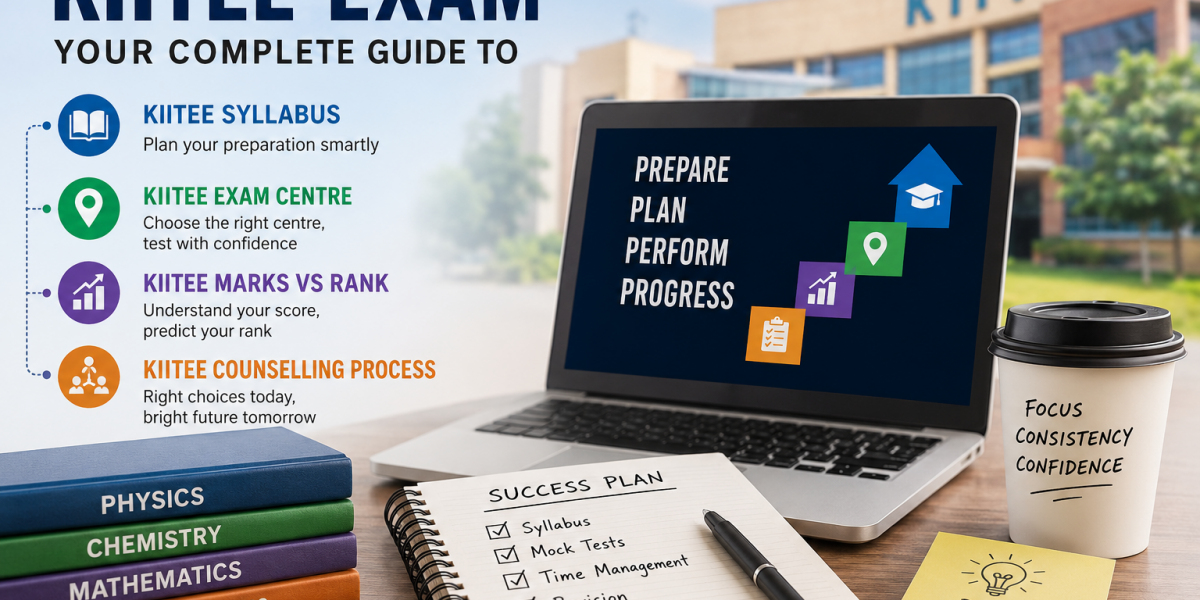 KIITEE exam strategy: How to use KIITEE syllabus, exam centre planning, counselling process and marks vs rank smartly
A trending approach among serious aspirants is smart exam planning. This means preparing with a clear map instead of randomly covering topics. Students who connect preparation with exam-day planning and counselling readiness often feel more confident and make admission decisions.
-
 Grigol Robakidze University: A Modern Destination for Higher Education
Explore Grigol Robakidze University, its academic environment, admission process, student experience, and Grigol Robakidze University Fees. Learn why students choose this university for higher education.
-
 How Can I Learn to Speak Chinese? A Complete Guide to a Chinese Speaking Course
Mandarin Chinese is the most spoken language in the world, with over a billion native speakers. Learning Chinese can help you:


