Tại đây DA sẽ hỏi bạn cài các gói cần thiết, tuy nhiên chúng ta đã cài sẵn ở trên trước rồi, nếu để cho chắc chắn bạn cứ chọn Y để kiểm tra lại xem đã cài đủ chưa, nếu đủ nó sẽ tự bỏ qua ko cài lại nữa.
* DirectAdmin requires certain packages, described here:* http://help.directadmin.com/item.php?id=354* Would you like to install these required pre-install packages? (y/n): y
Sau đó bạn điền key đã mua vào, tên miền bạn có thể chọn bất kỳ, gõ Y để xác nhận các thông tin về IP của bạn rồi tiến hành cài đặt
Please enter your Client ID : 123456Please enter your License ID : 12345Please enter your hostname (server.domain.com)It must be a Fully Qualified Domain NameDo *not* use a domain you plan on using for the hostname:eg. don't use domain.com. Use server.domain.com instead.Do not enter http:// or wwwEnter your hostname (FQDN) : da.nguyenxuanbinhminh.comClient ID: 123456License ID: 12345Hostname: da.nguyenxuanbinhminh.comIs this correct? (y,n) : yIs eth0 your network adaptor with the license IP (103.81.84.50)? (y,n) : yYour external IP: 103.81.84.50The external IP should typically match your license IP.Is 103.81.84.50 the IP in your license? (y,n) : yDirectAdmin will now be installed on: Enterprise 7.4Is this correct? (must match license) (y,n) : y
Sau đó chọn theo các tùy chọn như sau, ở lựa chọn cuối cùng các bạn đừng bấm Enter vội.
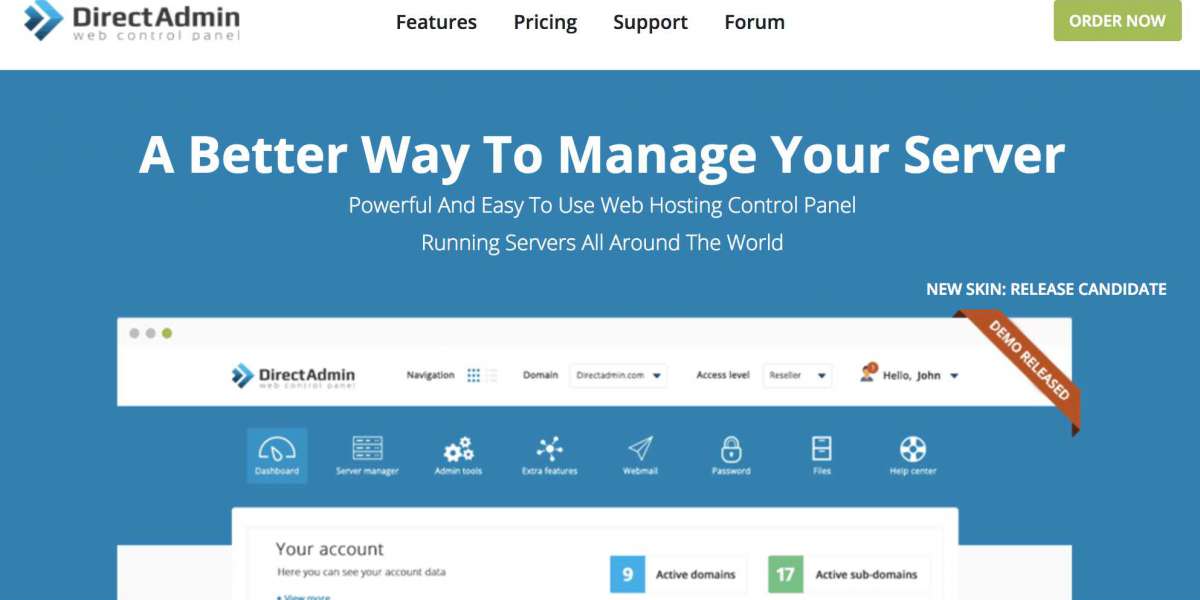
Hướng dẫn cài đặt tối ưu Direct Admin
Would you like the default settings of apache 2.4 with mod_ruid2 and php 5.6 cli? (y/n): nWould you like to backup the current options.conf? (yes/no): noPlease select webserver you would like to use (apache/nginx/nginx_apache/litespeed):nginx_apachePlease select FTP server you would like to use (proftpd/pureftpd/no):pureftpdPlease select default PHP version you would like to use (5.3/5.4/5.5/5.6/7.0/7.1):5.6Please select default PHP mode you would like to use (php-fpm/fastcgi/suphp/lsphp/mod_php):fastcgiWould you like to have a second instance of PHP installed? (yes/no): noPlease select if you would like to use ionCube (yes/no):yesPlease select if you would like to use Zend Guard Loader (yes/no):yesPlease select if you would like to use suhosin (yes/no):noPlease select if you would like CustomBuild to manage Exim installation (yes/no):yesPlease select if you would like CustomBuild to manage Dovecot installation (yes/no):yesPlease select if you would like CustomBuild to manage phpMyAdmin installation (yes/no):yesPlease select if you would like CustomBuild to manage SquirrelMail installation (yes/no):noPlease select if you would like CustomBuild to manage RoundCube installation (yes/no):yesWould you like to search for the fastest download mirror? (y/n):n
Hãy mở 1 cửa sổ SSH khác vào VPS rồi gõ lệnh
vi /usr/local/directadmin/custombuild/options.conf
Tìm tới dòng có chứa đoạn như dưới, bấm chữ “i” rồi thay số 8 bằng số 14, vì 14 là server ở VN nên sẽ tải rất nhanh. Bấm ESC rồi gõ “:wq” rồi enter để lưu lại rồi quay sang cửa sổ đang cài đặt gõ enter để tiến hành cài đăt. Quá trình sẽ mất khoảng 15-30p tùy vào tốc độ VPS và internet.
Sau khi cài đặt xong sẽ hiển thị tài khoản admin cũng như link đăng nhập. Tuy nhiên bạn cần cho cổng 2222 vào tường lửa trc đã vì Direct Admin dùng cổng 2222, sau đó khởi động lại tường lửa.

 Best NGO in Himachal Pradesh: SSW Foundation's Journey of Impact and Change
 Reinigungsanleitung für Torsopuppen: Häufige Fehler und die richtige Anwendung von Feuchttüchern
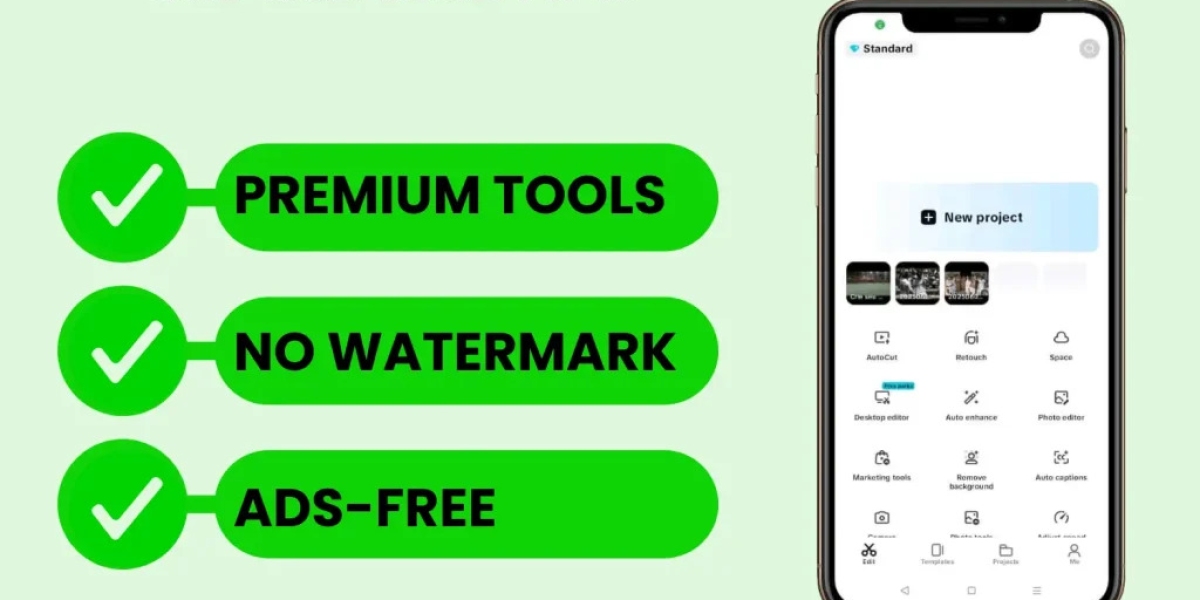 Unleash Your Inner Creator: CapCut Makes Editing Magical
 Moving Made Easy: How Enmore Removalists Simplify Relocation in Sydney’s Inner West
 GE Freezer Door Seal Not Sealing? Fix Leaking Cold Air and Ice Buildup
 Healthcare Professional Licensing in Dubai: A Comprehensive Guide
 Dishwasher Pod Not Dissolving? Why Your Cascade Pods Get Stuck Between Racks
 Save Money with Ibotta: Get Cash Back on Everyday Purchases + Bonus with Referral Code UGCGUVK
 House Extensions: Maximising Your Space with Smart Design and Lasting Value
 Restaurants to Get Sophisticated plus Economical Replica Luxury Bags
 Top Feature Wall Tile Ideas to Elevate Any Room


