MetaMask is a popular cryptocurrency wallet and gateway to decentralized applications (dApps) that allows users to interact with the Ethereum blockchain effortlessly. Meanwhile, Brave browser is renowned for its privacy features and built-in ad-blocking capabilities. Combining Metamask Wallet Extension with Brave provides users with a secure and streamlined browsing experience. In this guide, we will walk you through the process of installing MetaMask extension on Brave browser step by step.
Introduction to MetaMask Extension
MetaMask is a browser extension that enables users to manage their Ethereum accounts, securely store and transfer Ether and ERC-20 tokens, and interact with decentralized applications directly from their browser. It acts as a bridge between traditional web browsers and the Ethereum blockchain, allowing users to seamlessly access blockchain-based services without the need for a separate wallet or application.
Overview of Brave Browser
Brave browser is a privacy-focused web browser that prioritizes user security and anonymity. It is built on Chromium, the same open-source platform as Google Chrome, but with additional privacy features such as built-in ad-blocking, tracker blocking, and HTTPS Everywhere. Brave also offers users the option to earn cryptocurrency rewards by opting into its Brave Rewards program, which allows users to earn Basic Attention Tokens (BAT) for viewing privacy-respecting ads.
Why Use MetaMask with Brave?
MetaMask and Brave browser complement each other perfectly, offering users a secure and private environment for interacting with blockchain-based services and decentralized applications. By installing MetaMask on Brave, users can enjoy the benefits of both platforms while maintaining their privacy and security online.
Step-by-step Guide to Installing MetaMask on Brave Browser
- Downloading Brave Browser: Start by downloading Brave browser from the official website. Choose the appropriate version for your operating system and follow the on-screen instructions to install it on your device.
- Installing MetaMask Extension: Once Brave browser is installed, open it and navigate to the Chrome Web Store. Search for "MetaMask" in the search bar and click on the "Add to Brave" button next to the MetaMask extension.
- Setting up MetaMask: After installing the MetaMask extension, you will be prompted to create a new wallet or import an existing one. Follow the on-screen instructions to set up your MetaMask wallet, including creating a strong password and securely storing your seed phrase.
Benefits of Using MetaMask on Brave
- Enhanced Security: MetaMask provides users with a secure and convenient way to manage their cryptocurrency assets, protecting them from theft and unauthorized access.
- Seamless Integration: MetaMask seamlessly integrates with Brave browser, allowing users to access their Ethereum accounts and interact with dApps directly from their browser window.
- Access to Decentralized Applications (dApps): By installing MetaMask on Brave, users gain access to a wide range of decentralized applications, including decentralized finance (DeFi) platforms, non-fungible token (NFT) marketplaces, and more.
Security Considerations
While MetaMask and Brave browser are both designed with security in mind, it is essential to take additional precautions to protect your cryptocurrency assets and personal information. Some tips for ensuring safe usage include:
- Use Strong Passwords: Choose a unique and complex password for your MetaMask wallet to prevent unauthorized access.
- Enable Two-Factor Authentication (2FA): Enable two-factor authentication for an added layer of security when logging into your MetaMask wallet.
- Keep Your Seed Phrase Secure: Store your MetaMask seed phrase in a secure location offline, such as a hardware wallet or a piece of paper kept in a safe place.
- Beware of Phishing Attacks: Be cautious of phishing attempts and only enter your MetaMask password or seed phrase on the official MetaMask website or extension.
Conclusion
Installing Metamask Wallet Extension on Brave browser offers users a secure and convenient way to manage their cryptocurrency assets and interact with decentralized applications directly from their browser window. By following the step-by-step guide outlined in this article and implementing security best practices, users can enjoy the benefits of both MetaMask and Brave while protecting their privacy and security online.

rihor yakil
1 posts
-
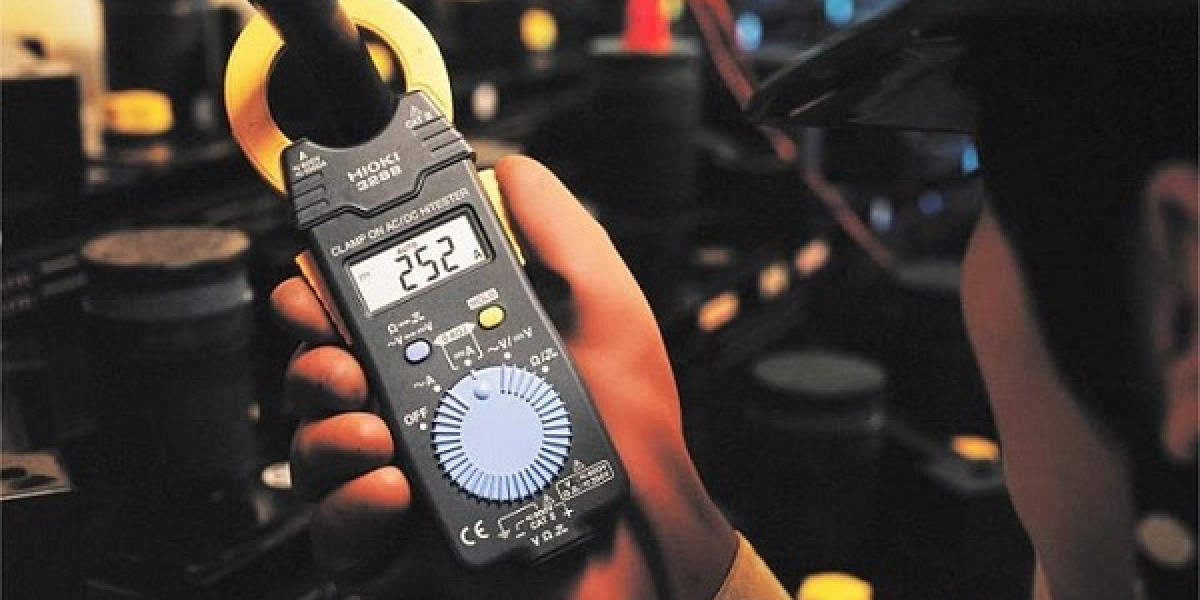 Cách bảo quản và cất giữ Hioki 3280-70F để không bao giờ bị chảy pin
Xin chào quý bạn đọc! Có một khắc tinh thầm lặng mà rất nhiều anh em kỹ sư lẫn người dùng gia đình thường xuyên gặp phải, đó chính là tình trạng chảy pin. Hãy theo dõi hết bài viết này để biết thêm chi tiết nhé!
-
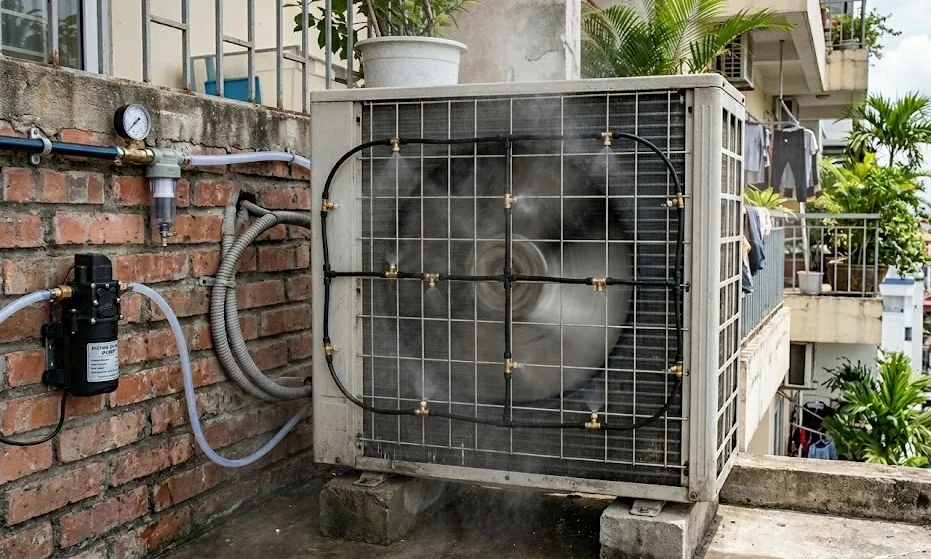 Có nên lắp phun sương cho dàn nóng điều hòa?
Lắp phun sương cho dàn nóng điều hòa có hiệu quả không và có ảnh hưởng đến độ bền của điều hòa nói chung.
-
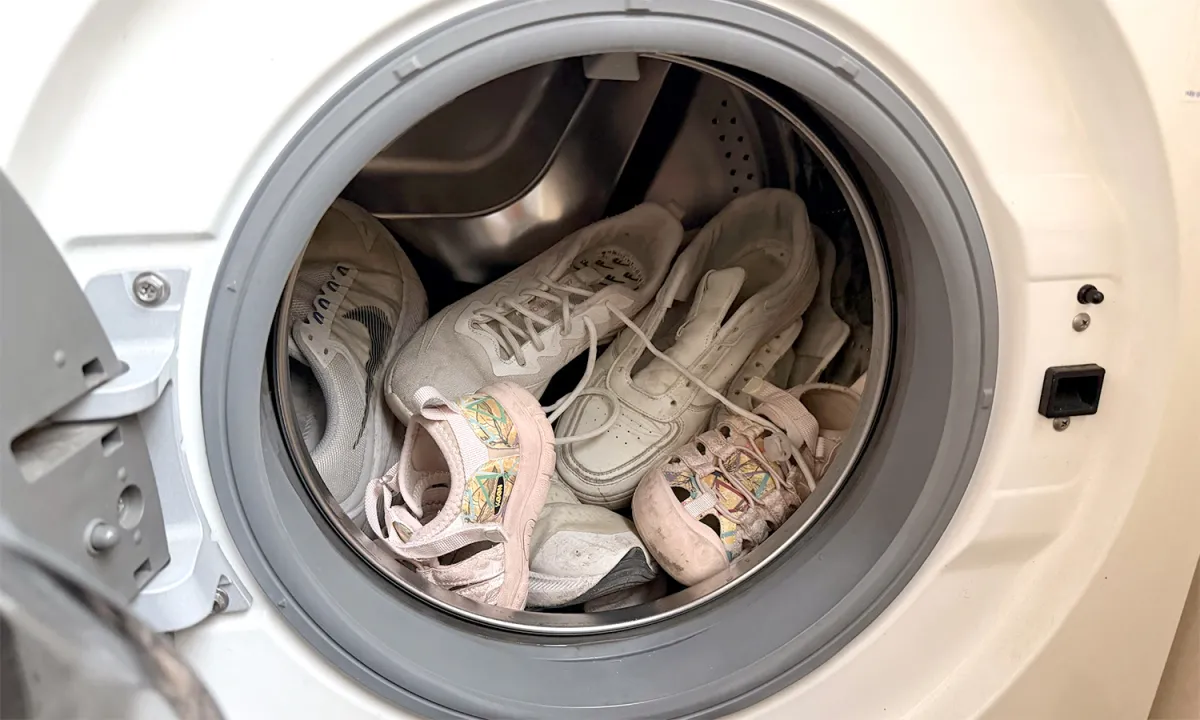 Mẹo giặt sạch giày bằng máy giặt
Máy giặt có thể làm sạch một số loại giày nhưng cần chọn chế độ phù hợp như sử dụng nước lạnh, kết hợp khăn lau để tăng độ bền cho giày.
-
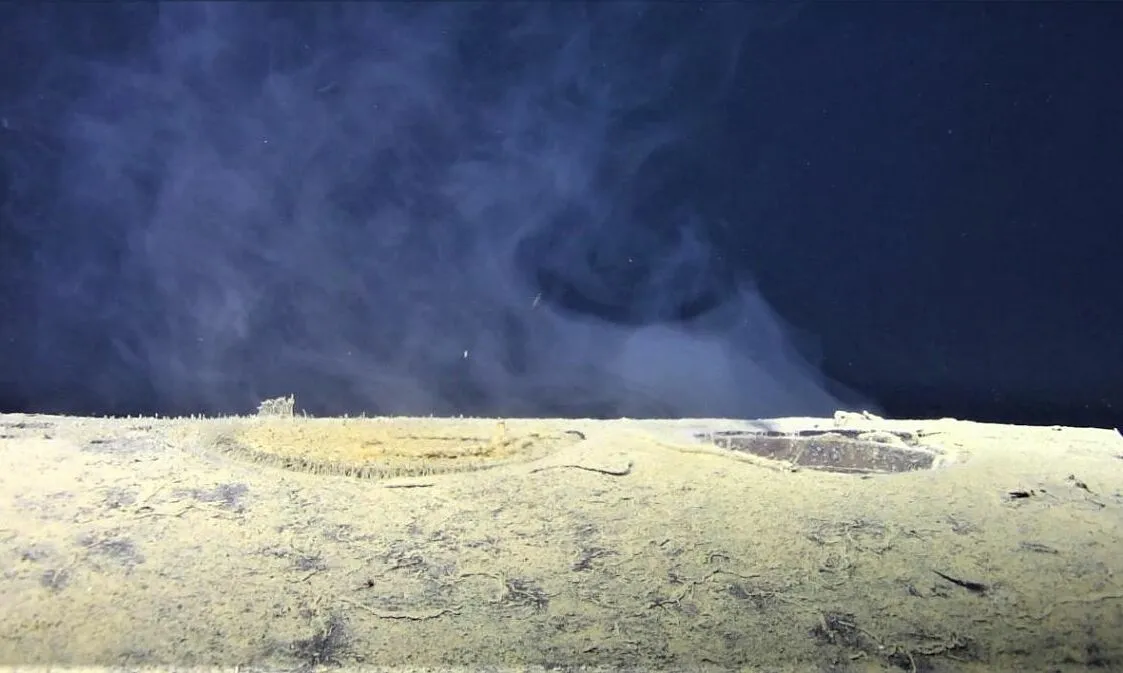 Xác tàu ngầm hạt nhân rò rỉ phóng xạ dưới đáy biển Na Uy
Nghiên cứu mới cho thấy, tàu K-278 Komsomolets đắm 37 năm trước đang thải ra vật liệu phóng xạ vào vùng nước sâu dưới đáy biển Na Uy.
-
 Lý do thúc đẩy OpenAI đóng cửa Sora
Chi phí cao và nhiều đối thủ cạnh tranh được cho là lý do khiến OpenAI quyết định đóng cửa ứng dụng video Sora.
-
 Năng lượng rẻ - 'át chủ bài' của Trung Quốc trong cuộc đua siêu AI
Trung Quốc được đánh giá đang nắm lợi thế lớn trong cuộc đua AI nhờ nguồn năng lượng dồi dào, đa dạng và giá rẻ.
-
 DXB APPS offers best App Development Dubai solutions by expert developers
DXB APPS offers advanced app development Dubai services that revolutionize businesses with cutting-edge digital technology. Our mobile app developers design feature-packed, scalable apps that achieve customer satisfaction and business expansion. Partner with DXB APPS, one of the best app d
-
 Hire Expert App Development Dubai experts for Cutting-Edge App Solutions at DXB APPS
Looking to find the best fitting app development Dubai solutions? DXB APPS is one of the leading mobile application development companies that offer unique Android applications, iOS applications, hybrid applications, and cross-platform applications. Our quality, secure and easy to use appl
-
 'Lựa chọn công trình khoa học xứng đáng dự Giải thưởng Hồ Chí Minh'
Thứ trưởng Bùi Hoàng Phương đề nghị các cơ quan, đơn vị lựa công trình xứng đáng tham gia Giải thưởng Hồ Chí Minh, Giải thưởng Nhà nước về khoa học, công nghệ lần thứ 7.
-
 DXB APPS offers best App Development Dubai solutions by expert developers
DXB APPS offers advanced app development Dubai services that revolutionize businesses with cutting-edge digital technology. Our mobile app developers design feature-packed, scalable apps that achieve customer satisfaction and business expansion. Partner with DXB APPS, one of the best app d
-
 Leading App Development Dubai expertise by the team at DXB APPS
DXB APPS is the most renowned app development Dubai team that creates revolutionary mobile solutions to present-day businesses. We as best mobile app development Company in Dubai develop applications with app features that enhance user interaction, business transformation, and uncompromisi


