Enhancing Web Performance Google Chrome DevTools Introduces Advanced CLS Debugging Tool


Before exploring the new Chrome DevTools feature, it's essential to understand Cumulative Layout Shift (CLS) and its significance in web development.
CLS is a performance metric that measures a webpage's visual stability, forming part of Google’s Core Web Vitals—a set of indicators that assess user experience quality. CLS specifically tracks unexpected layout shifts occurring during page load, often caused by elements like images, videos, ads, or fonts loading late and disrupting the page’s structure.
Such unexpected shifts can be frustrating for users. For instance, a user might attempt to click a button, only for the page to shift, leading to an unintended click elsewhere. This issue is particularly disruptive on mobile devices, where limited screen space makes even minor shifts noticeable.
Google increasingly prioritizes CLS in its ranking algorithms, recognizing its impact on user experience. A high CLS score indicates visual instability, negatively affecting user engagement and SEO rankings. Since Google’s Core Web Vitals influence search engine visibility, addressing CLS issues is crucial for ensuring both a smooth user experience and strong search performance.
With a clear understanding of CLS, let’s examine the new tool in Google Chrome DevTools designed to help developers effectively tackle layout shifts.
Now available in Chrome’s Canary build, the Layout Shift Culprits tool enhances Chrome DevTools' debugging capabilities by making it easier to identify, analyze, and fix layout shifts. Integrated into the Chrome Insights Panel, this tool offers an intuitive and detailed approach to visualizing and resolving CLS-related issues.
Web performance expert Sander van Surksum was among the first to highlight the significance of this tool, emphasizing its ability to provide interactive, real-time insights. Developers can now visually track layout shifts and immediately identify elements causing instability, greatly streamlining the debugging process.
With the Layout Shift Culprits tool, developers can optimize web performance in several key areas:
Unstable pages disrupt user interactions, leading to frustration and increased bounce rates. This issue is especially problematic on mobile devices, where layout shifts are more noticeable. By helping developers identify and fix instability, the Layout Shift Culprits tool directly contributes to improved usability and engagement.
CLS is one of three key Core Web Vitals used to evaluate web page quality:
A low CLS score ensures a smoother, more reliable user experience, which can enhance search rankings. By simplifying CLS debugging, the Layout Shift Culprits tool empowers developers to create visually stable, SEO-friendly websites.
Google Chrome’s Layout Shift Culprits tool is a valuable addition to DevTools, offering real-time visualization, detailed metrics, and actionable insights for tackling CLS issues. Given the critical role of CLS in user experience and SEO, this feature enhances web performance by making it easier to diagnose and fix layout instability.
As Google continues refining its developer tools, the Layout Shift Culprits tool represents a significant advancement in web performance optimization. By equipping developers with precise debugging capabilities, Chrome DevTools is helping build more stable, user-friendly websites—a win for both developers and users.
Tayloranna Friendly
30 posts
-
 Amazon expands ultra-fast deliveries in UK and adds same-day fruit and veg
Deliveries in 30 minutes or less coming to Manchester and Birmingham and fresh groceries service to start in London
-
 Microsoft to tighten human rights measures after inquiry into Israel’s use of its tech
Announcement seeks to close a difficult chapter for the company after the Guardian revealed its platform was used in mass surveillance of Palestinians
-
 Rủi ro khi Mỹ rút 900 thiết bị giám sát đại dương
Quyết định thu hẹp mạng lưới theo dõi đại dương gồm 900 thiết bị của Mỹ khiến nhiều chuyên gia lo ngại về nguy cơ thiếu dữ liệu quan trọng trong bối cảnh siêu El Nino có thể sắp xảy ra.
-
 Labour will make AI ‘work for the workers’, says Liz Kendall
Technology secretary promises to support people whose jobs are swept away by automation
-
 Startup kết hợp siêu máy tính và AI thắng giải khởi nghiệp châu Âu
EarthScan của Mitiga kết hợp siêu máy tính và mô hình AI riêng giúp giảm rủi ro biến đổi khí hậu cho doanh nghiệp đã thắng giải Startup Competition 2026.
-
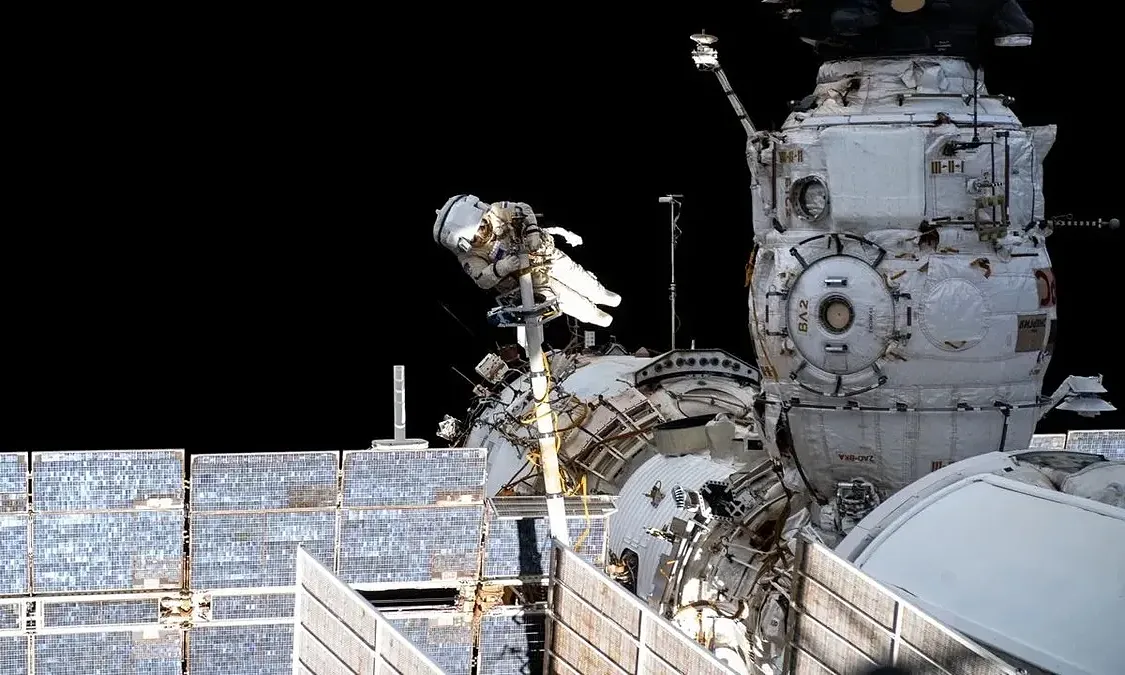 Phi hành gia trạm ISS trú ẩn khẩn cấp do rò rỉ khí
Rò rỉ khí nghiêm trọng trên Trạm Vũ trụ Quốc tế (ISS) khiến 5 phi hành gia phải vào tàu trú ẩn và sẵn sàng sơ tán trong hai tiếng.
-
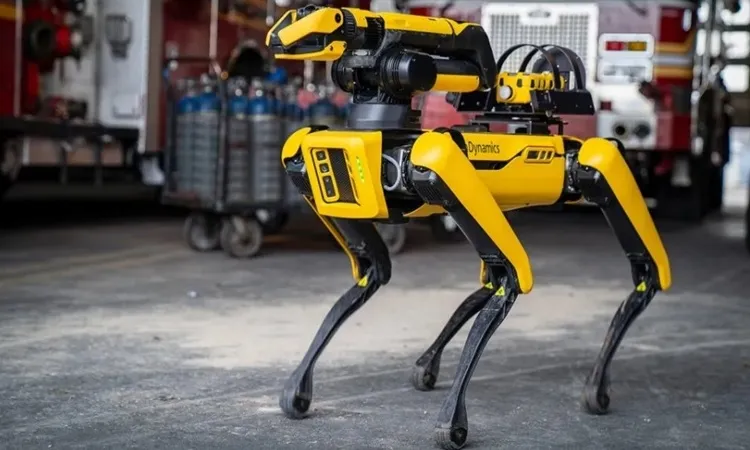 Những robot động vật giải quyết thách thức kỹ thuật
Lấy cảm hứng thiết kế từ tự nhiên, một số robot động vật đáp ứng xuất sắc các nhiệm vụ khó khăn từ giám sát công nghiệp tới thám hiểm dưới nước.
-
 Rò rỉ khung iPhone 18 Pro với ba màu mới
Một số hình ảnh được cho là khung sườn của iPhone 18 Pro xuất hiện trên mạng, cho thấy các tùy chọn màu sắc thực tế của sản phẩm.
-
 Robot 'chú hề' đá trúng khán giả nhí
Khi biểu diễn trước đám đông tại Tân Cương, robot hình người G1 của công ty Unitree vô tình đá vào bụng một cậu bé đứng xem.
-
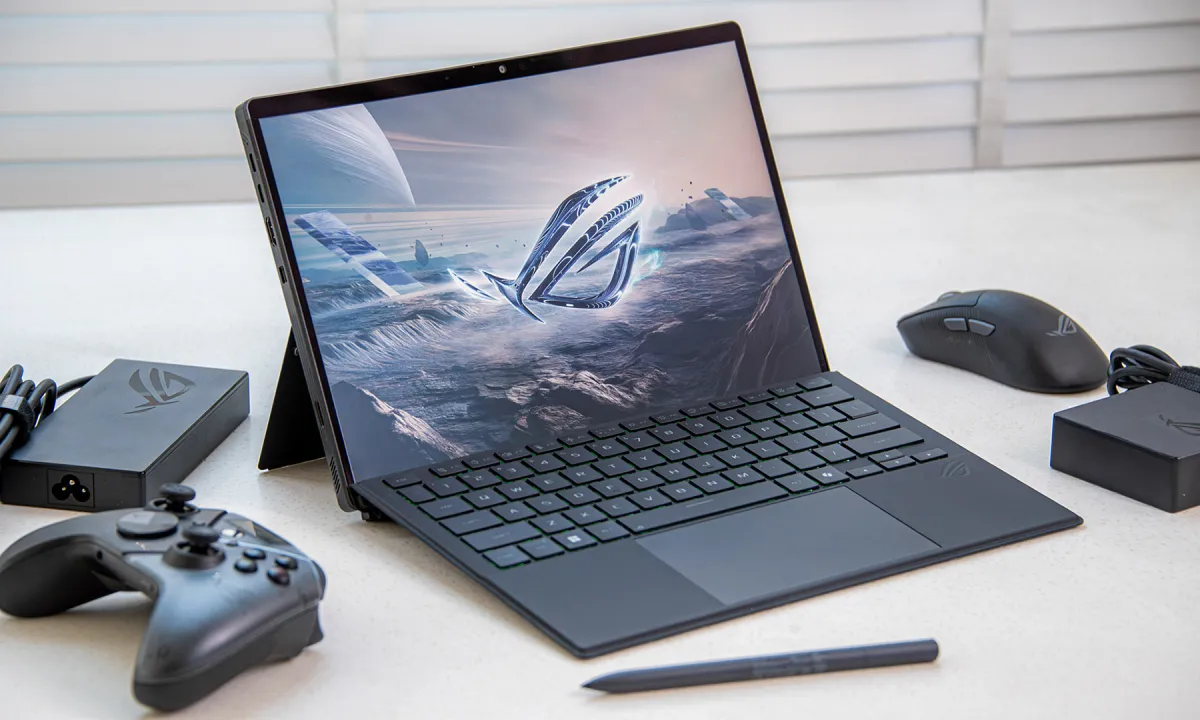 Các mẫu laptop gaming nổi bật của ROG 20 năm qua
Dòng Zephyrus G14 mỏng nhẹ, Zephyrus Duo với màn hình đôi, Flow Z13 thiết kế lai tablet là các mẫu laptop gaming đặc biệt của ROG.
-
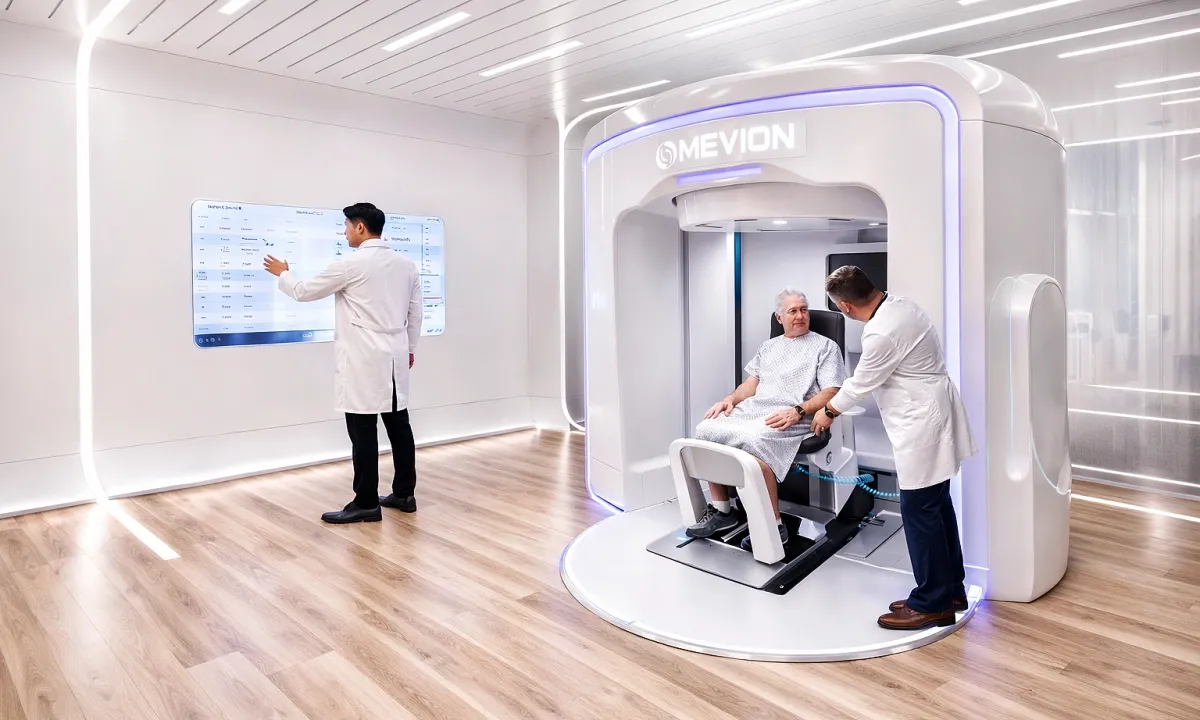 AI hỗ trợ xạ trị trúng đích trong 'siêu máy' 2.000 tỷ đồng
Máy proton Mevion S250-FIT dùng AI tấn công khối u chính xác và an toàn hơn, là hệ thống xạ trị tư thế ngồi đầu tiên trên thế giới của Mevion (Mỹ), được Bệnh viện Tâm Anh đưa về Việt Nam.


