Converting a PNG (Portable Network Graphics) image to a PDF (Portable Document Format) is a common and useful task, whether you want to combine several PNG images into one PDF, preserve the quality of your images for printing, or share them in a format that can be opened on any device. PDFs are ideal for maintaining the quality and layout of images, making them universally accessible and easy to store. This guide will walk you through different methods to convert PNG to PDF, including using online tools, desktop software, and mobile apps.
Why Convert PNG to PDF?
There are several reasons to convert PNG images to PDF:
Methods to Convert PNG to PDF
You can convert PNG images to PDF using various tools and methods, depending on whether you prefer an online, offline, or mobile solution.
1. Using Online Tools to Convert PNG to PDF
Online conversion tools are fast, convenient, and often free, making them ideal for users who need to convert PNG files to PDF quickly without installing any software. Here are some popular online converters:
Here’s how to convert a PNG to PDF using an online tool:
Pros of Using Online Tools
Cons of Using Online Tools
2. Using Desktop Software to Convert PNG to PDF
For those who prefer to work offline or need more control over the conversion process, desktop software offers powerful options for converting PNG to PDF. Popular programs for this task include:
Here’s how to convert PNG to PDF using Adobe Acrobat Pro:
Alternatively, if you’re using Windows, you can use the Microsoft Print to PDF feature:
For macOS users, Preview offers a straightforward way to convert PNG to PDF:
Pros of Using Desktop Software
Cons of Using Desktop Software
3. Using Mobile Apps to Convert PNG to PDF
If you're on the go, you can easily convert PNG to PDF using various mobile apps available for both iOS and Android devices. Popular apps include:
Here’s how to use Adobe Scan on your mobile device:
Pros of Using Mobile Apps
Cons of Using Mobile Apps
4. Using Command-Line Tools for Advanced Users
For tech-savvy users or those needing bulk processing, command-line tools like ImageMagick provide powerful and customizable options for converting PNG to PDF.
Here’s how to use ImageMagick:
Pros of Using Command-Line Tools
Cons of Using Command-Line Tools
Best Practices for Converting PNG to PDF
Conclusion
Converting png to pdf is a simple and useful task that can be accomplished using a variety of tools, from online converters to desktop software and mobile apps. Whether you’re looking to preserve the quality of an image for printing, share multiple images as a single document, or make your images more accessible, converting to PDF is a reliable solution. By following the steps outlined in this guide, you can easily convert your PNG images to PDF with ease and flexibility.

IMG 2IMG
1 posts
-
 'Hợp tác quốc tế giúp rút ngắn hành trình từ phòng thí nghiệm ra thị trường'
Kết nối hệ sinh thái đổi mới sáng tạo quốc tế có thể giúp startup và tổ chức nghiên cứu tại Việt Nam kiểm chứng sản phẩm, rút ngắn hành trình thương mại hóa, theo đại diện Trung tâm Phát triển Công nghệ và Đổi mới sáng
-
 Làn sóng AI đe dọa thế hệ startup tiền ChatGPT
Hàng trăm startup từng được định giá tỷ USD trước khi ChatGPT xuất hiện nay rơi vào tình cảnh khó gọi vốn, giá trị sụt giảm.
-
 Đổi tư duy vận hành phòng thí nghiệm trọng điểm quốc gia
Bộ Khoa học và Công nghệ cho rằng cần thay đổi tư duy từ đầu tư phòng thí nghiệm sang xây dựng hạ tầng nghiên cứu quốc gia, trong đó con người, cơ chế vận hành và khả năng làm chủ công nghệ phải ở vị trí trung tâm.
-
 Cuộc đua phát triển máy tính AI làm việc thay con người
Nvidia, Microsoft và Google đang phát triển công nghệ mới cho phép máy tính sử dụng tác nhân AI để thay thế con người làm những công việc phức tạp.
-
 Pin trữ năng lượng dưới độ sâu 27 m
Công ty Flexbase đang xây dựng cơ sở lưu trữ năng lượng sạch bằng pin dòng chảy ở độ sâu 27 m với dung lượng dự kiến lên đến 2,1 GWh.
-
 Pin dưới lòng đất lớn nhất thế giới
Công ty Flexbase đang xây dựng cơ sở lưu trữ năng lượng sạch bằng pin dòng chảy ở độ sâu 27 m với dung lượng dự kiến lên đến 2,1 GWh.
-
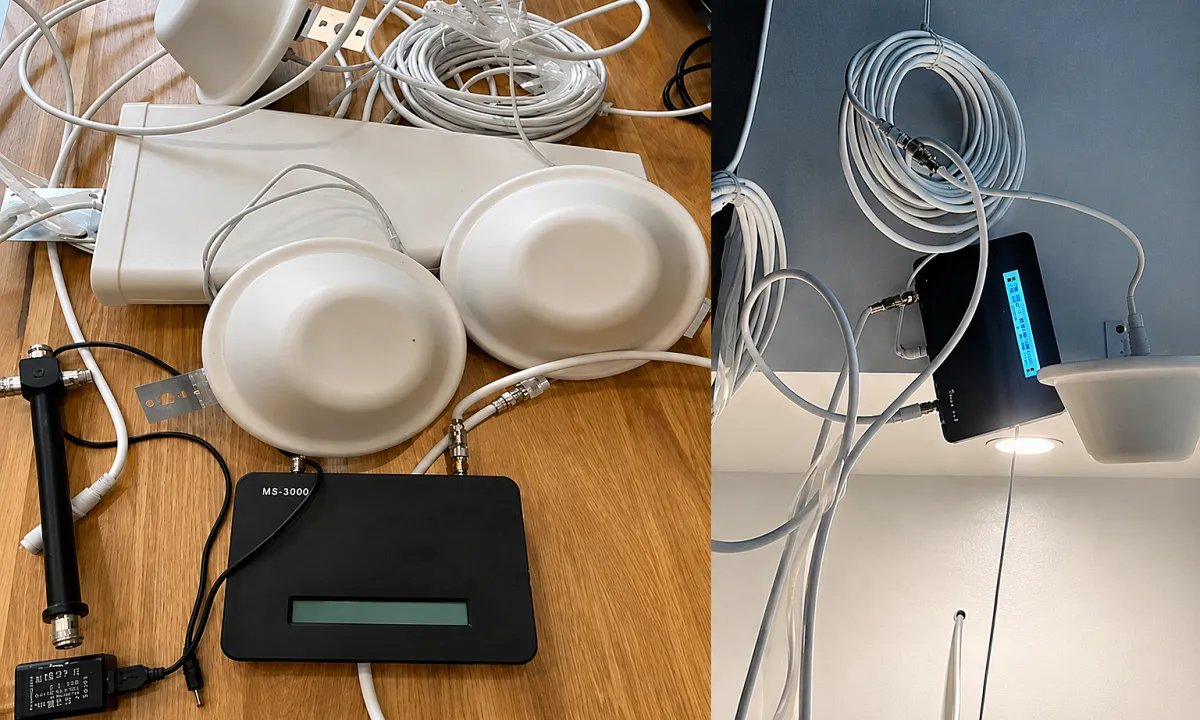 Thiết bị kích sóng gây nhiễu mạng di động tại cửa khẩu Móng Cái
Thiết bị kích sóng di động do cá nhân mua từ nước ngoài về lắp đặt đã gây nhiễu mạng viễn thông khu vực biên giới cửa khẩu Móng Cái.
-
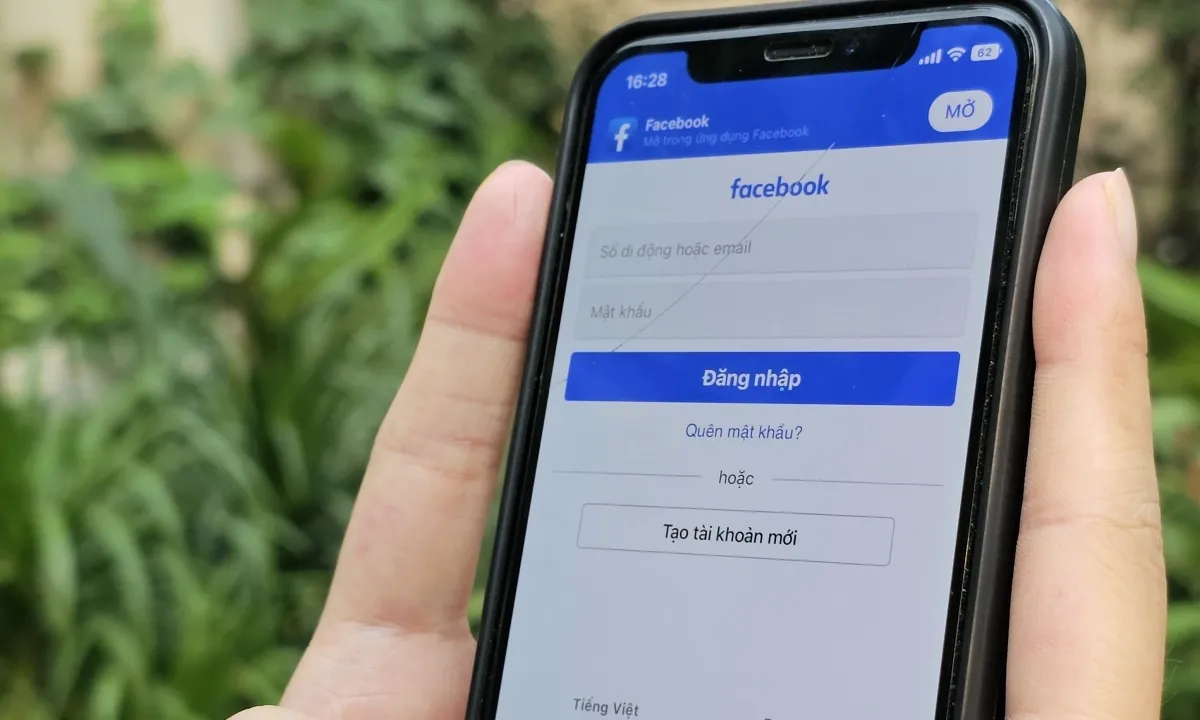 Nguy cơ lộ thông tin cá nhân khi cha mẹ khoe con trên mạng
Phụ huynh đăng ảnh, video về con trên mạng xã hội có xu hướng ít quan tâm đến việc bảo vệ quyền riêng tư của trẻ, theo nghiên cứu của Kaspersky và Viện Công nghệ Singapore.
-
 ‘A driver of political violence’: how the breakneck AI boom is fueling anti-tech extremism
Backlash against AI is taking an extremist turn, following in the footsteps of earlier techno-pessimist militants
-
 Nvidia launches ‘superchip’ putting AI power into laptops and PCs
Firm says its RTX Spark PC chip for Microsoft Windows will let AI agents replace the mouse and keyboard
-
 Meta whistleblower’s lawyer says he too is prevented from promoting her book
Ravi Naik says legal ruling that forced Sarah Wynn-Williams to make silent appearance at Hay festival also applies to him


