Comprehensive Guide to Screen Recording Software: Features, Options, and Recommendations

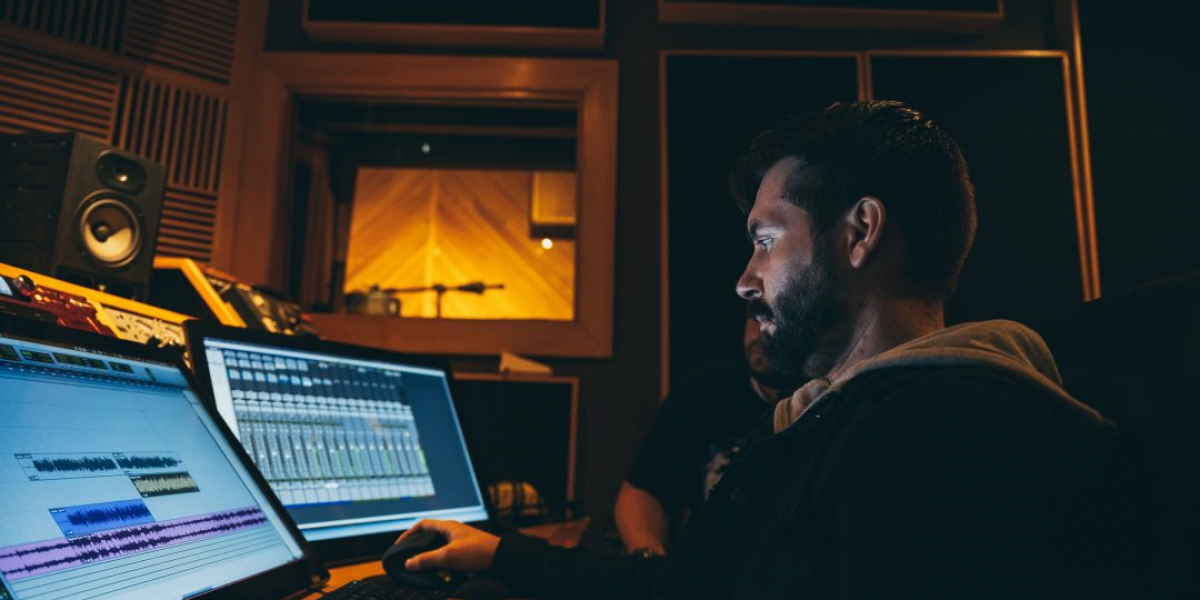
Screen recording software allows users to capture video footage of their computer screen. This tool is especially useful for creating tutorials, recording gameplay, creating presentations, or troubleshooting technical issues. Some screen recorders offer a basic set of features, while others come with advanced capabilities, including video editing tools, real-time annotation, and more. Let’s take a look at some of the key features and popular software options available for screen recording.
Key Features of Screen Recording Software
When choosing screen recording software, it’s important to consider the features that will best serve your needs. Here are some of the key features to look out for:
Popular Screen Recording Software
Here are some of the top screen recording software options available today:
1. OBS Studio
OBS Studio is one of the most popular and versatile screen recording tools available for free. It is open-source software designed for both video recording and live streaming.
Key Features:
Best For: Gamers, streamers, and those who need advanced control over their recording setup.
2. Camtasia
Camtasia is a paid, professional-grade screen recording and video editing software. It's ideal for those who want a complete solution for creating polished and professional videos.
Key Features:
Best For: Professionals looking for high-quality editing and recording in one package.
3. Bandicam
Bandicam is a popular paid screen recording tool known for its high compression ratios without compromising video quality. It’s commonly used by gamers and professionals alike.
Key Features:
Best For: Gamers and anyone recording high-definition video without high system demand.
4. Loom
Loom is a cloud-based screen recording tool designed to make recording and sharing videos quick and easy. It’s perfect for business use, especially when communicating with teams remotely.
Key Features:
Best For: Business communication, remote work, and creating short videos.
5. ShareX
ShareX is a powerful, open-source screen capture tool that is free to use and offers extensive features for both recording and editing.
Key Features:
Best For: Users who need a highly customizable and feature-packed tool for both screen capture and recording.
6. FlashBack Express
FlashBack Express offers both a free version and a paid version with more advanced features. The free version provides all the basic functionalities for screen recording without limitations.
Key Features:
Best For: Beginners looking for a straightforward screen recording tool.
Conclusion
screen recording software is an invaluable tool for content creators, educators, professionals, and gamers alike. There are various options to choose from, depending on your needs and budget. OBS Studio and ShareX are excellent free choices for advanced users, while Loom and FlashBack Express are more beginner-friendly. Camtasia and Bandicam offer premium features for professionals who require more advanced tools. Whether you’re recording for personal or business purposes, there’s a screen recording software that’s right for you.
Tom King
27 posts
-
 Brand Identity and Tenant Experience: Cultivating Loyalty at Elan Empire Gurgaon
Securing high occupancy in a premium high-street asset is only half the battle. For long-term viability, property management and individual investors must shift their focus to building tenant loyalty and creating a distinctive brand identity.
-
 Master Review: Evaluating Godrej Nature Plus, Sector 33, Gurgaon
The layout uses a smart structural pattern where towers are angled away from each other. This creates a staggered footprint that gives corner apartments clear, unblocked views of the Aravalli foothills while ensuring optimal morning and afternoon sunlight. Inside the towers, the floor plan
-
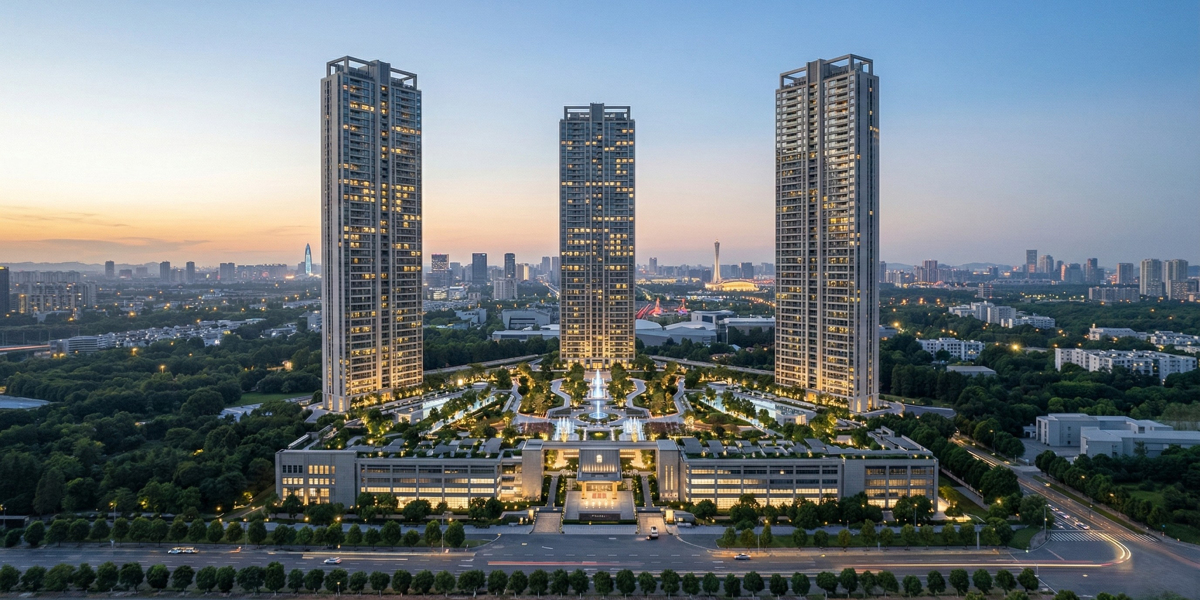 BPTP Downtown 66: A Masterpiece of Vertical Luxury in Sector 66
BPTP Downtown 66 has emerged as one of the most anticipated high-rise developments on the Golf Course Extension Road. Designed by the globally acclaimed architectural firm Aedas, this project is not just a residential complex but a vertical ecosystem where luxury meets functionality.
-
 Aesthetic Clinic in Australia | Beauty Clinic in Carolina | PM Aesthetics
Discover a trusted aesthetic clinic in Australia and a professional beauty clinic in Carolina. PM Aesthetics offers advanced skincare, cosmetic treatments, and personalized beauty solutions.
-
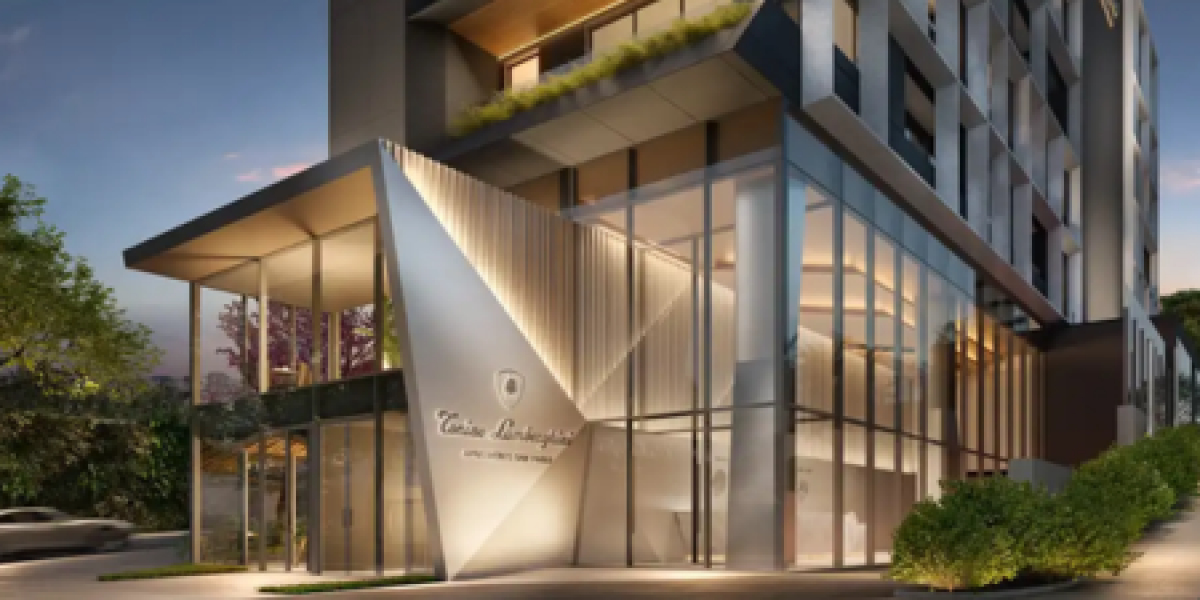 The Masterful Synergy at Signature Global Tonino Lamborghini
Signature Global Tonino Lamborghini Residences represents a ₹2,890 crore synergy of Italian supercar aesthetics and Indian engineering excellence in Sector 71.
-
 Sidewalk Repair NYC: A Complete Guide for Property Owners
Sidewalks in New York City endure constant wear and tear due to heavy foot traffic, extreme weather conditions, and tree root growth. Over time, cracks, uneven surfaces, and potholes can develop. These issues not only create an unpleasant appearance but also pose serious safety hazards for
-
 Why Natural Stone Wall Panels Are Becoming the First Choice for Modern Interiors
Discover why natural stone wall panels are becoming a top choice for modern interiors and exteriors. Learn about their durability, aesthetic appeal, and versatile applications for residential and commercial spaces.
-
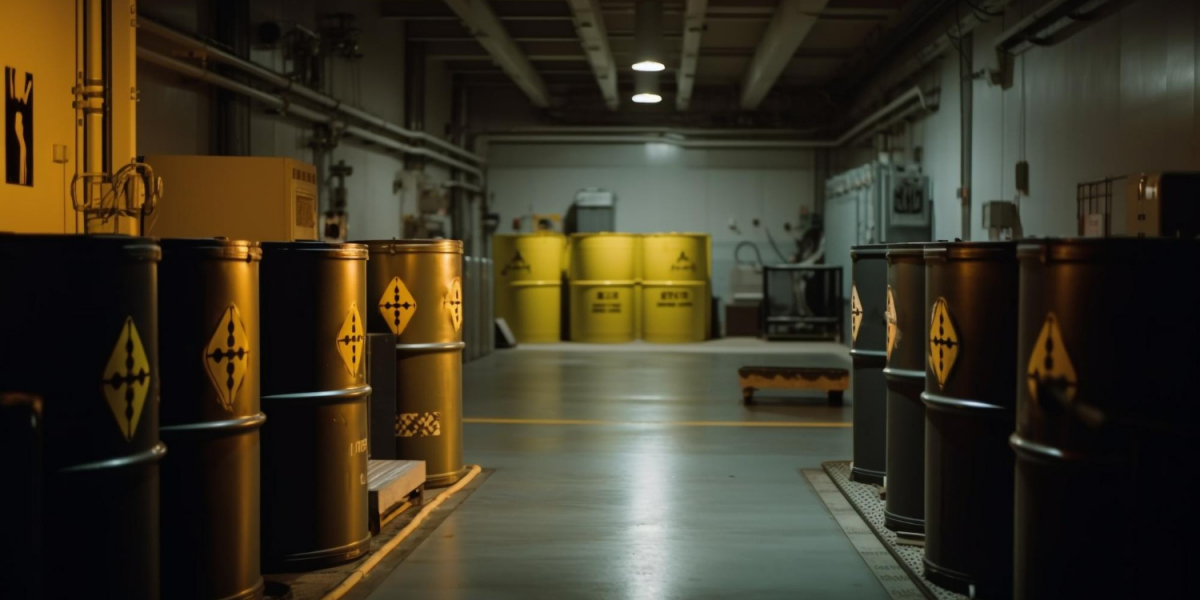 Chemical Supplier for Industrial in UAE: Reliable Solutions for Modern Industries
Find a reliable chemical supplier for industrial in UAE offering high-quality products, consistent supply, and tailored solutions for manufacturing, oil & gas, construction, and water treatment industries.
-
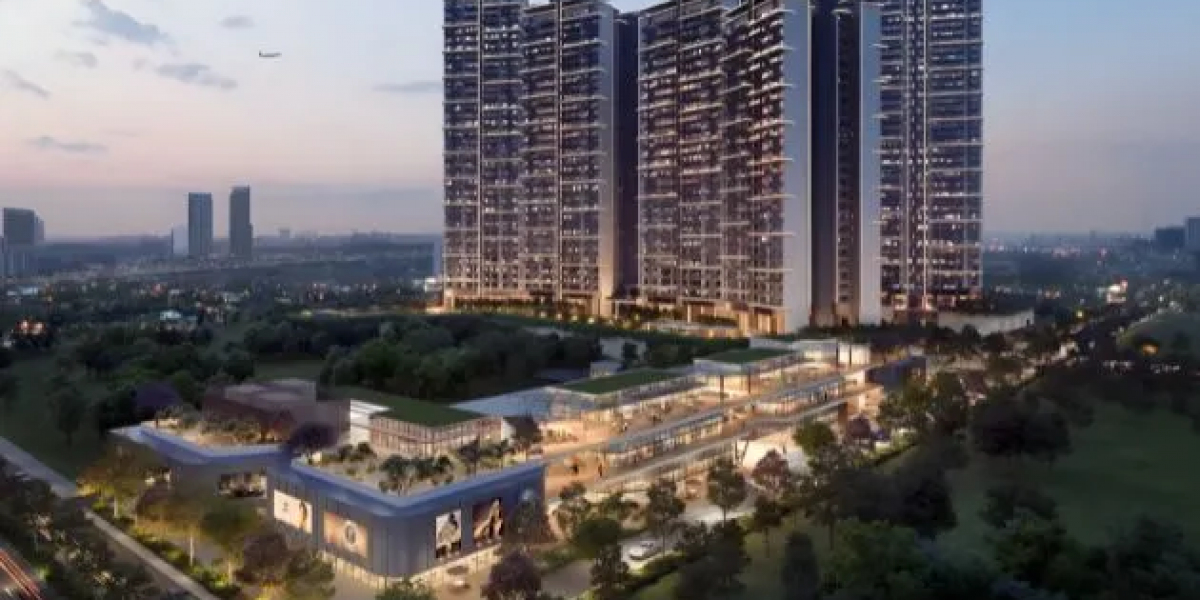 Signature Global Cloverdale SPR Gurgaon – A Modern Address for Comfortable Living
This connectivity allows residents to easily access major employment hubs, corporate offices, and business districts. The proximity to IGI Airport further adds to its appeal, especially for professionals who travel frequently.
-
 The Vertical Revolution: Living Above the Ordinary at Sobha Rivana
Sobha Rivana is a G+45 floor architectural landmark in Sector 1, Greater Noida West, featuring a low-density design with only four units per floor and four high-speed elevators. It offers a premium lifestyle with 11-foot high ceilings, 80% open green space, and a 50,000 sq. ft. clubhouse,
-
 Find the Perfect Christmas Jewellery at Stonex Jewellers
Our Christmas collection features a wide range of designs, from classic to contemporary, ensuring there is something for everyone.


